
By Marc Laliberté 4 March, 2026
A while back, I wrote about the frustrating LR/Mogrify 2 export bug that breaks when you try to export images with multiple presets in Lightroom:
./LRMogrifyExportTask.lua:128: attempt to index local 'handle' (a nil value) (2)
My workaround was a WinForm app built on Magick.NET that did all the image processing I needed outside of Lightroom. I’ve kept working on it since then, and it’s now on GitHub as a free download.
What it does
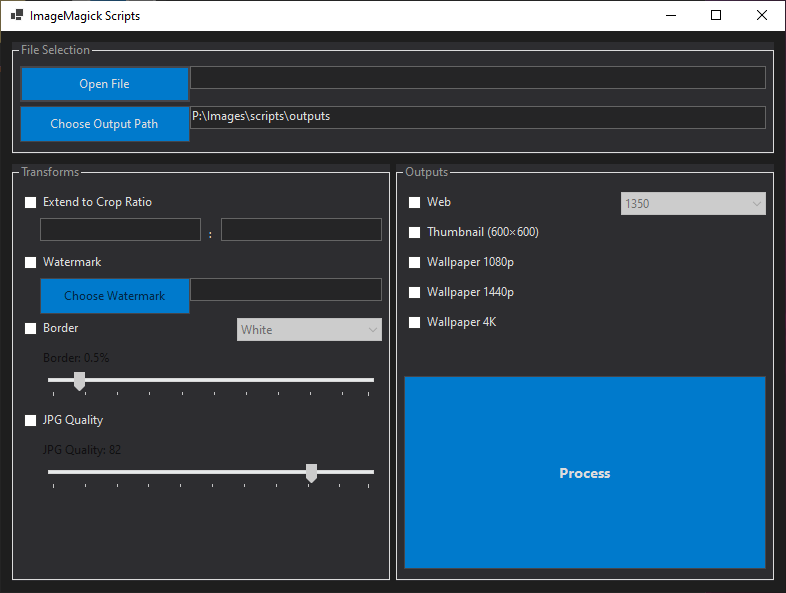
ImageMagick Scripts is a Windows desktop app that processes images in batch. Pick your files, choose your presets, and let it run:
- Add black or white borders to images
- Apply watermarks (centered)
- Adjust ratio of the images
- Generate multiple web-sized versions in one go
- Create wallpapers at various resolutions
- Combine any of the above into a single operation
Download
Head over to the GitHub releases page to grab the latest .exe. It’s Windows only for now.
Got ideas for new features or ran into a bug? Open an issue on the repo.